featured projects
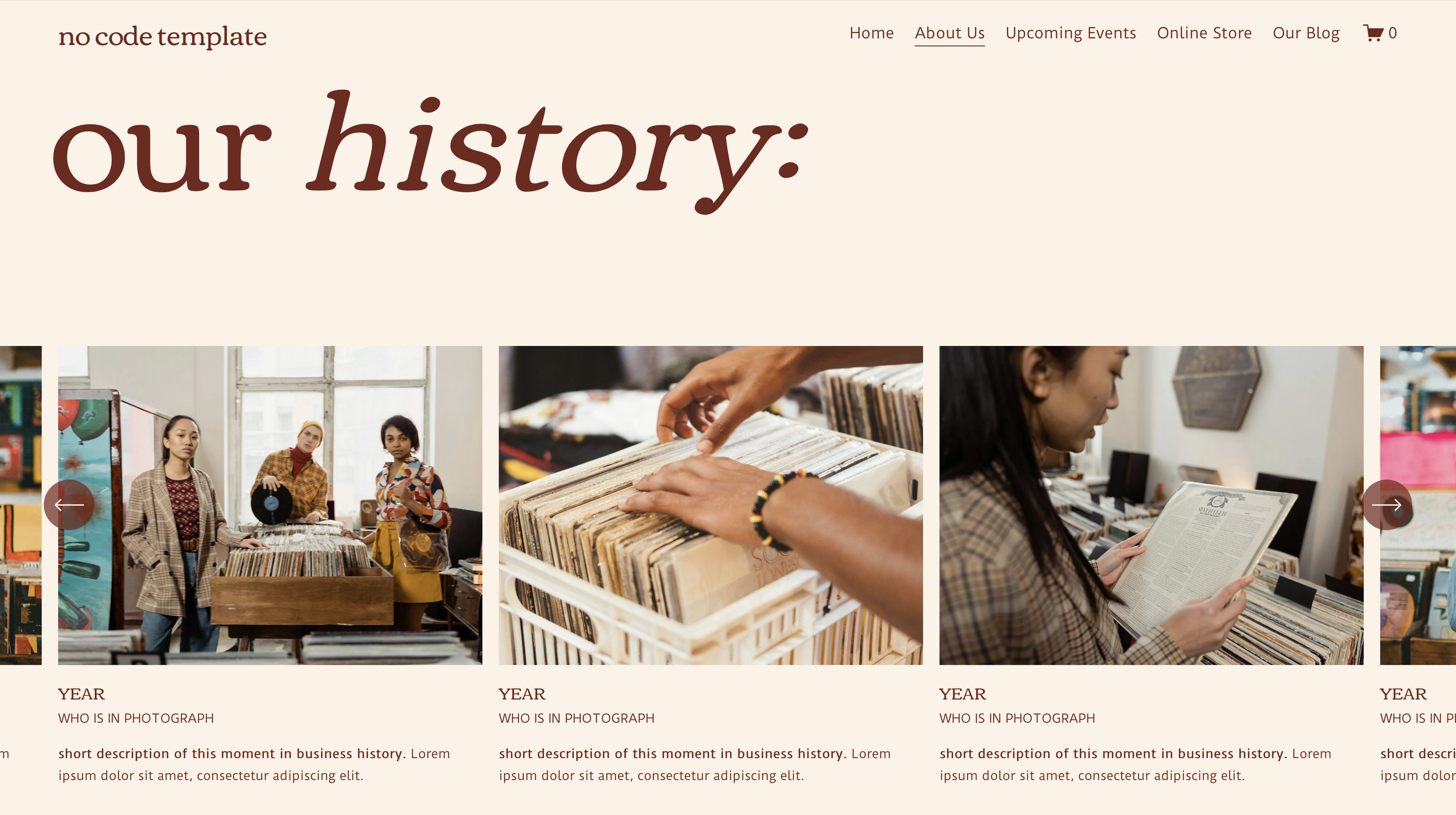
Native Carousel Sections
This template makes creative & strategic use of the native Squarespace Carousel on both the About page and the Events page. Both instances exist to illustrate the history and identity of the business through featured business milestones (on the About page) as well as showcasing past events.
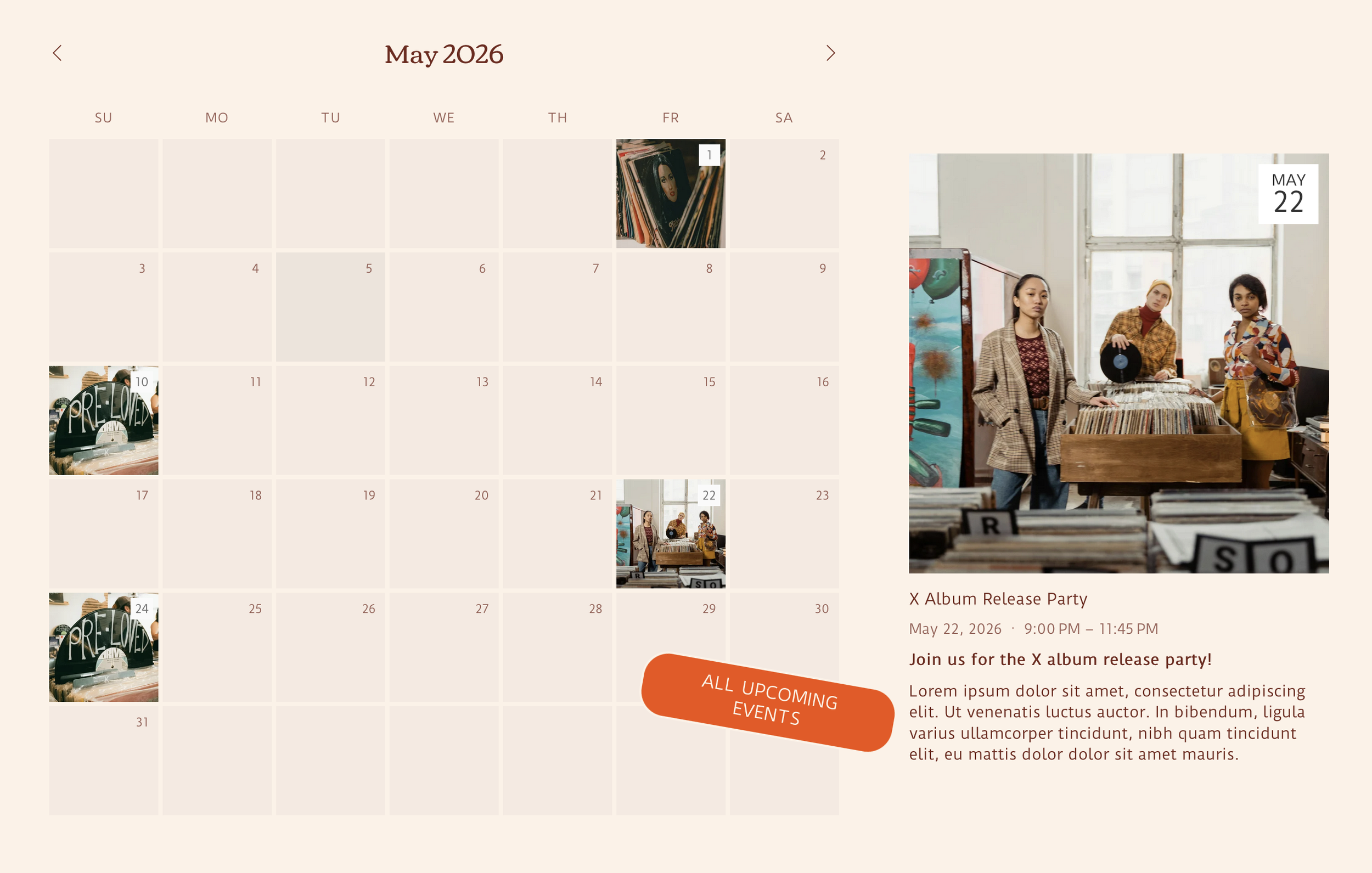
Calendar Block & Featured Events
This template makes use of the native Squarespace Events page, allowing for upcoming events to be shown on the homepage with a native Squarespace Calendar Block and featured events to be showcased via native Squarespace Summary Block right beside the calendar to help special events stand out!
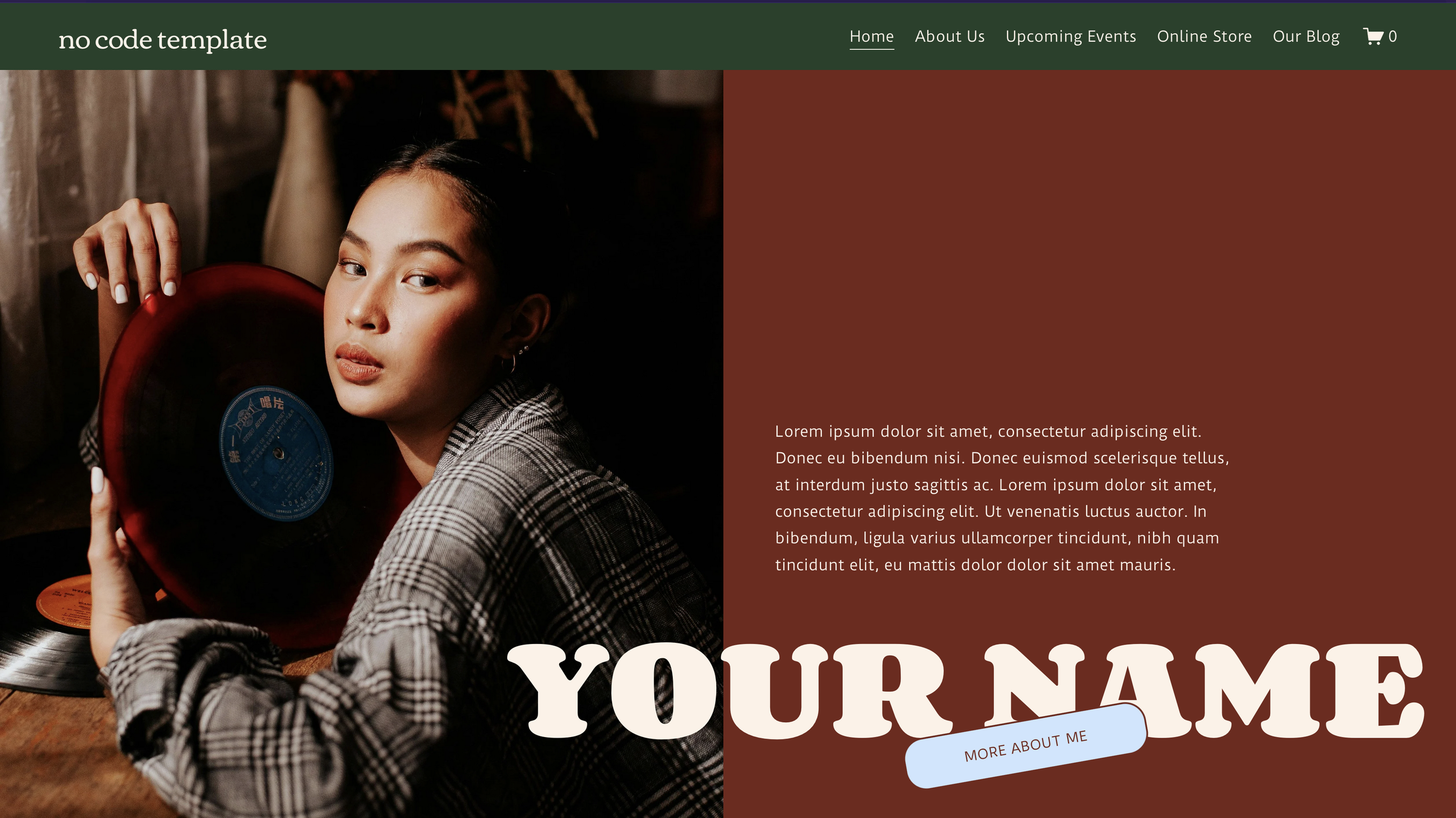
Native Squarespace Animations
Along with strategic use of native Squarespace blocks, this template utilizes new, advanced Squarespace features to give it the it the look and feel of a custom coded website, without actually adding in any custom code.
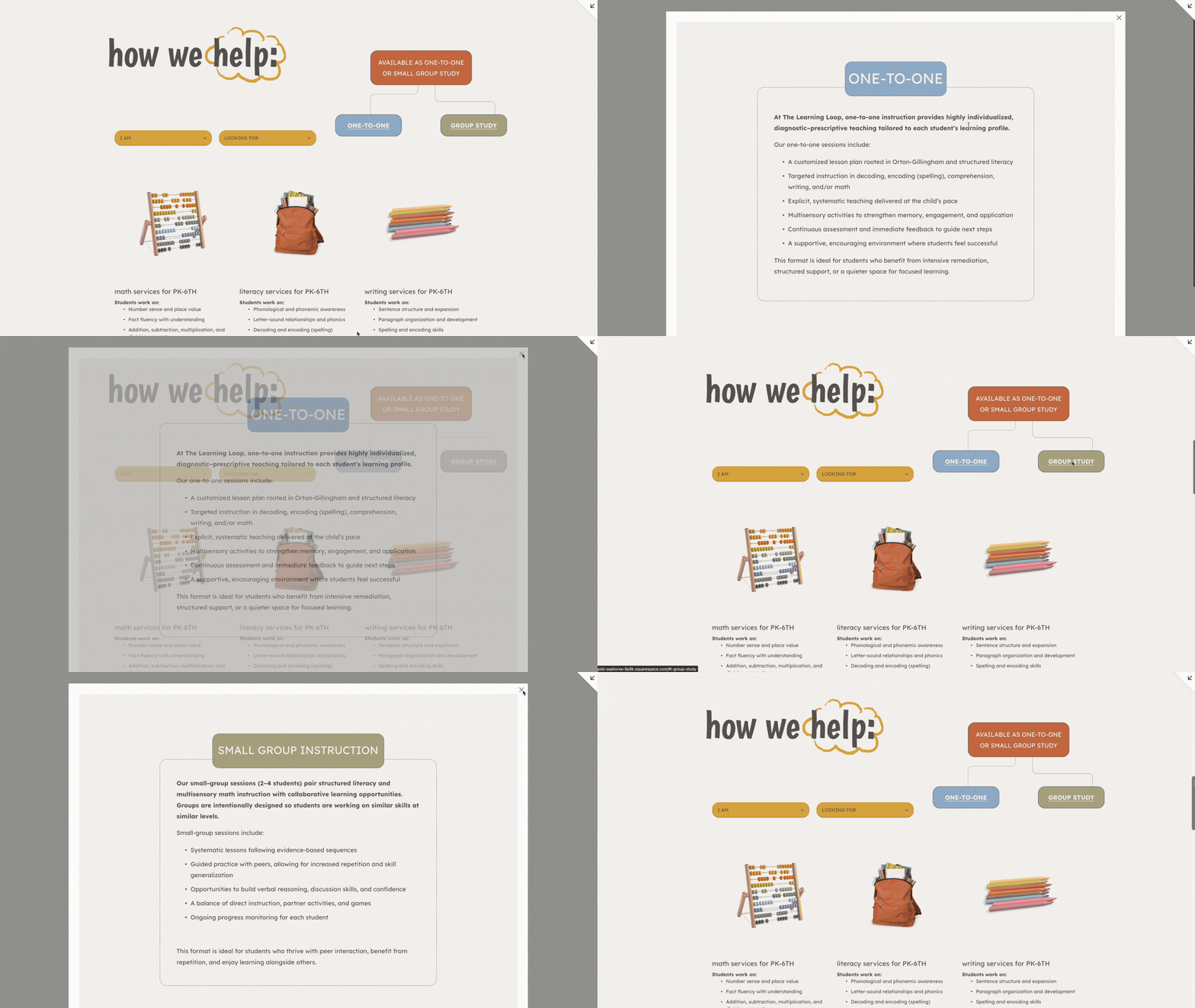
Services Format Lightbox
Lightbox Anything Plugin
For The Learning Loop and the Shannon template, we used the Lightbox Anything Plugin to showcase the different formats that services are available as. By making use of the Lightbox Anything Plugin & the Universal Filter menu, we were able to organize the offerings in a way that helps website visitors narrow down available services based on their own needs.
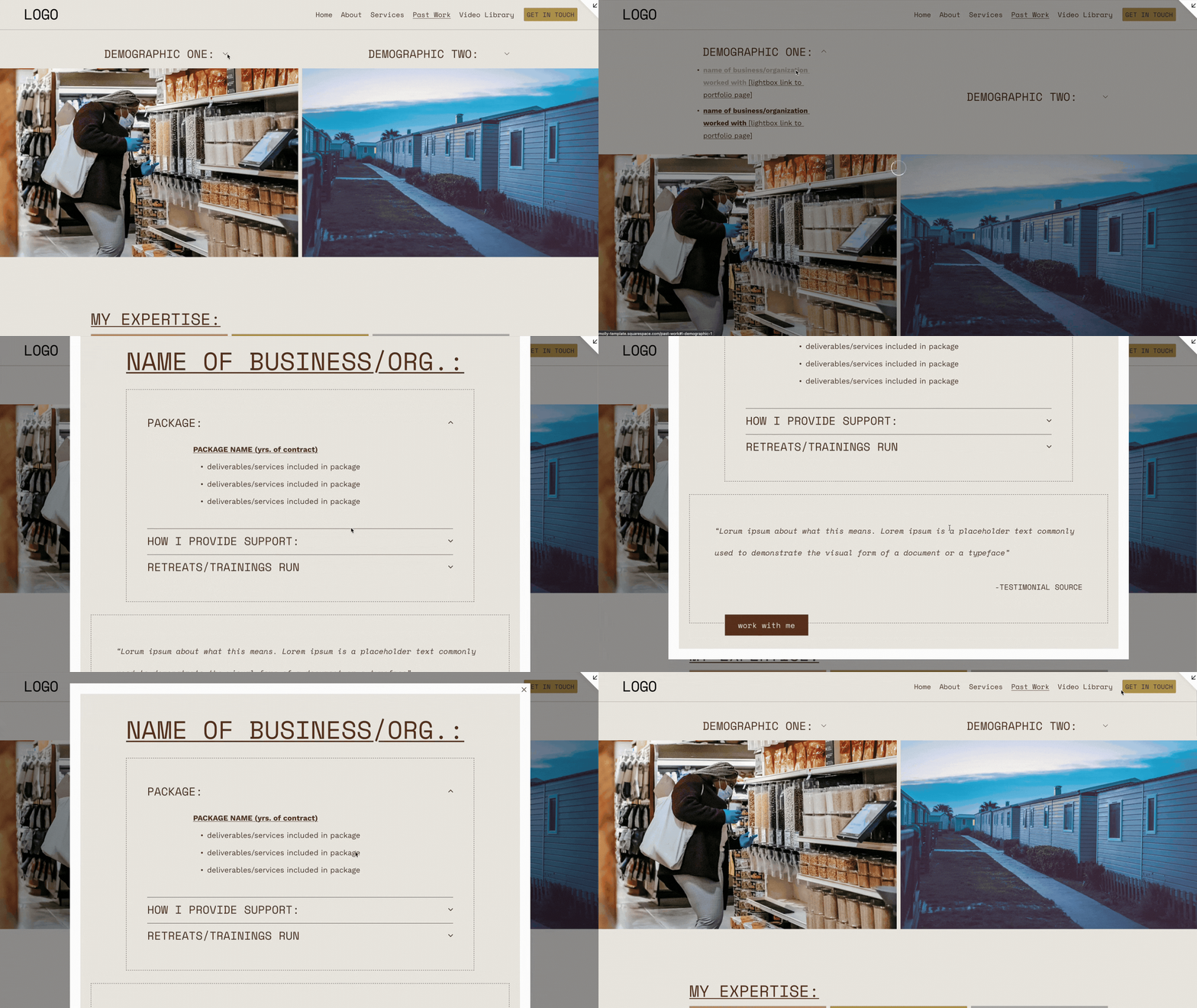
Lightbox Portfolio
Lightbox Anything Plugin
For Molly Snell-Larch Consulting (and the Molly template) we used the Lightbox Anything Plugin to showcase the past work done with individual cooperatives, organized by type of cooperative organization, without having to dedicate an entire page to each example or clutter the Past Work page with examples. This structure allows the consultant to show off their experience while keeping the page simple for the site visitor, as the key demographic is looking for simple, streamlined information.
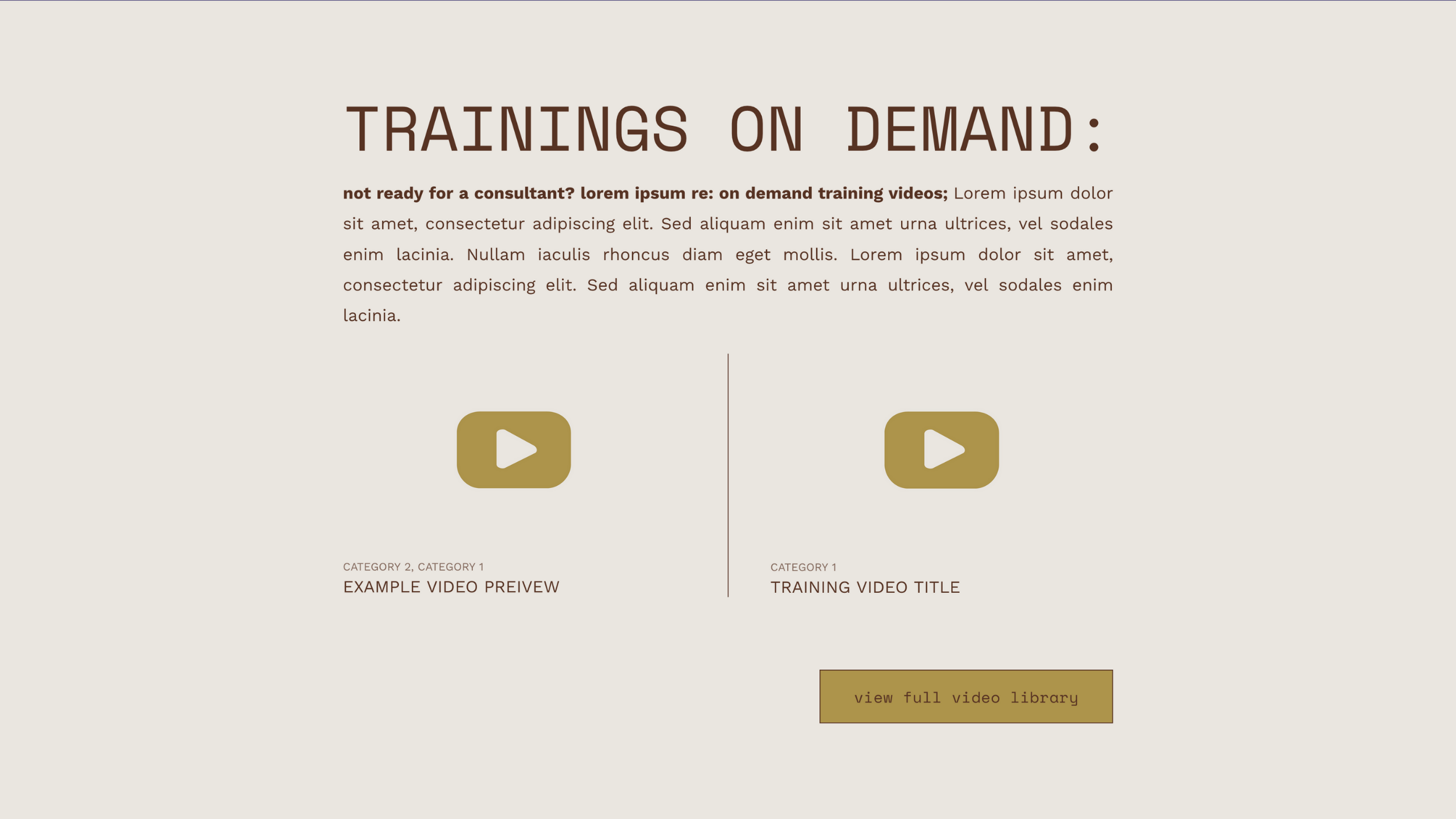
Featured Trainings
Native Featured Post Function
For Molly Snell Larch Consulting and the Molly template, making use of the “featured post” function on the video library allowed us to design the a spot on other pages where relevant without requiring constant reworking when new videos are added.
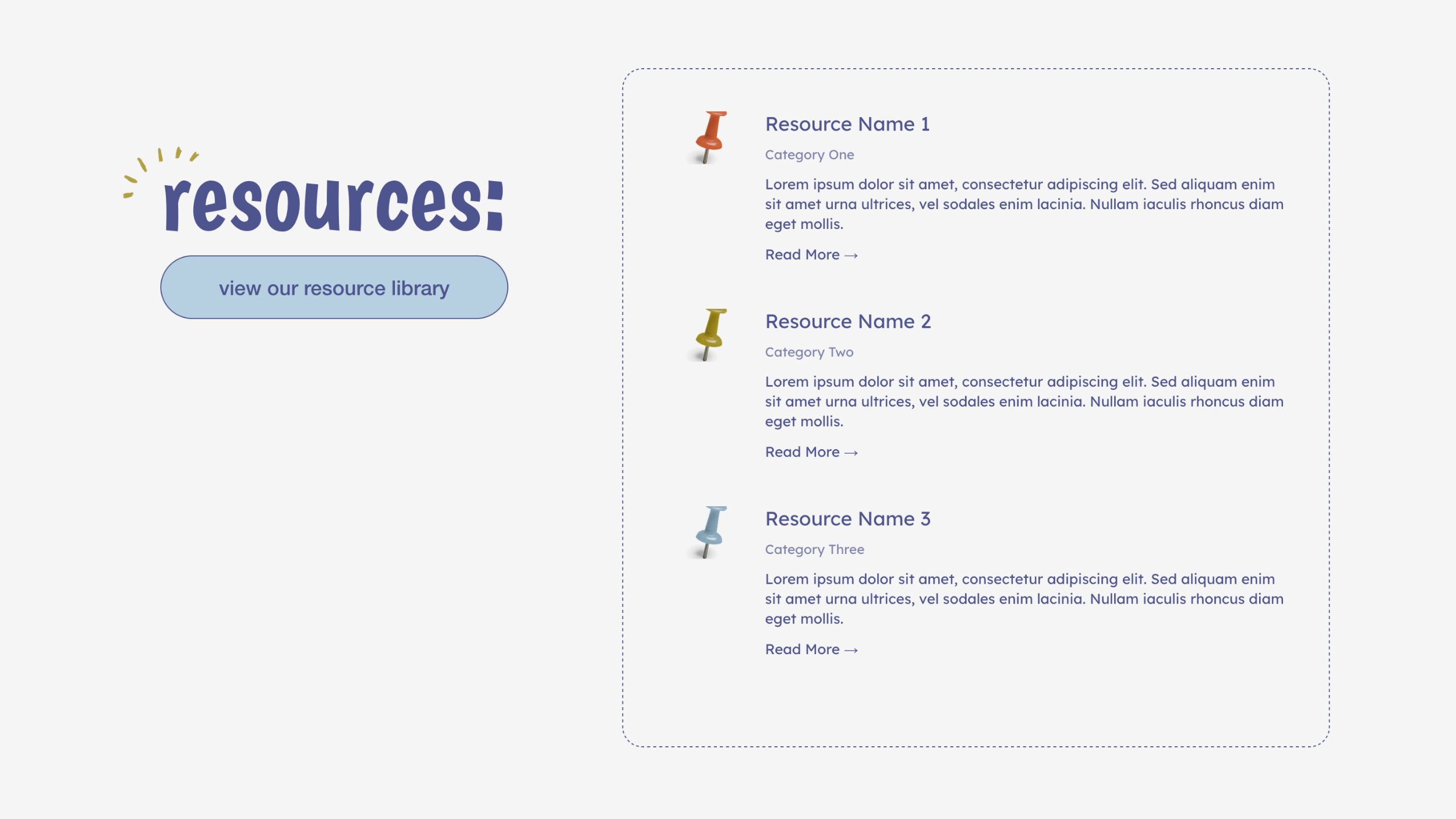
Featured Resources
Native Featured Post Function
For The Learning Loop, and the Shannon template, making use of the “featured post” function on the resource library (a blog page) allowed us to design a featured resources section on the home page without requiring constant reworking when new resources are added. By filtering them to “featured only” the owner of the website can add new resources to the resource library, mark them as featured, and have them show up on the featured resources section of the home page without having to worry about altering the design.
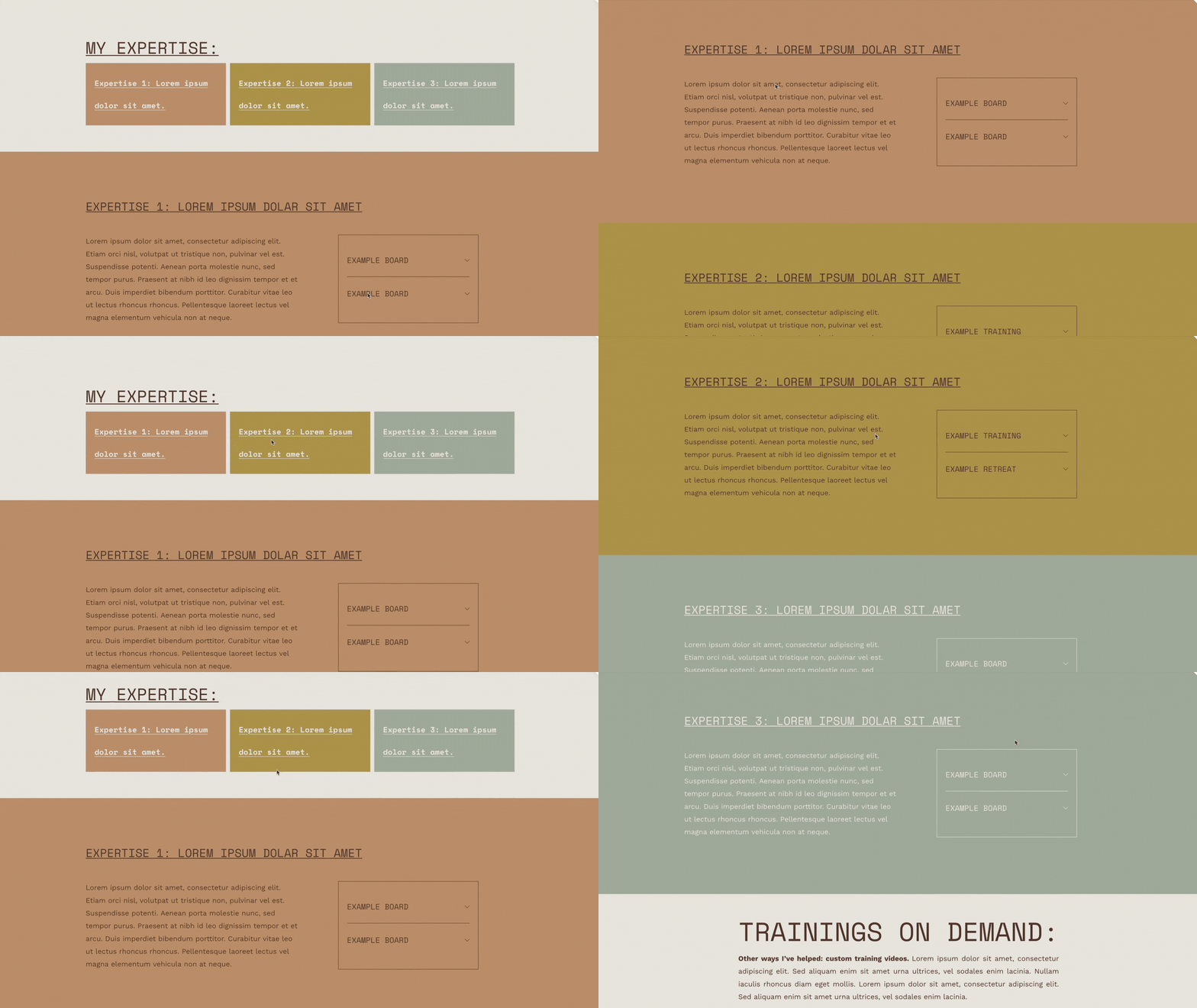
Linking to Sections in the Same Page
Native Section Linking Function
For Molly Snell Larch Consulting and the Molly template, we made use of the native section linking function to link each expertise overview section to a more in-depth section covering that particular expertise. This allows site visitors to skip ahead to what is relevant to them, as well as helps to maintain the interactive feel we wanted throughout the site.
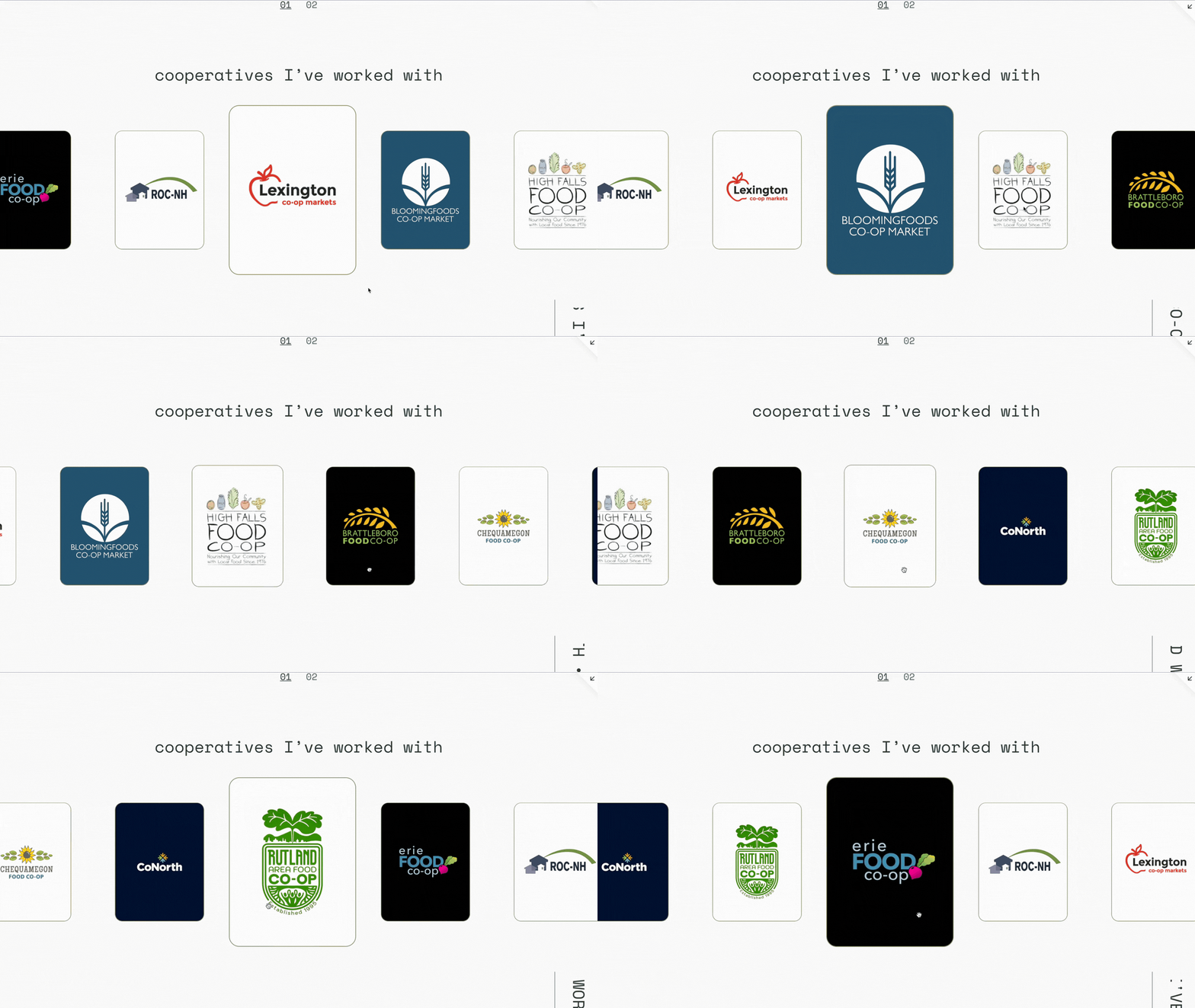
Sliding Collaborators Carousel
Carousel Block + Custom CSS
Using custom CSS and the native Squarespace carousel block, we achieved this feature which helps to emphasize the collaborative nature of the work, as it literally allows visitors to drag others into the spotlight, both on the home page & the about page.
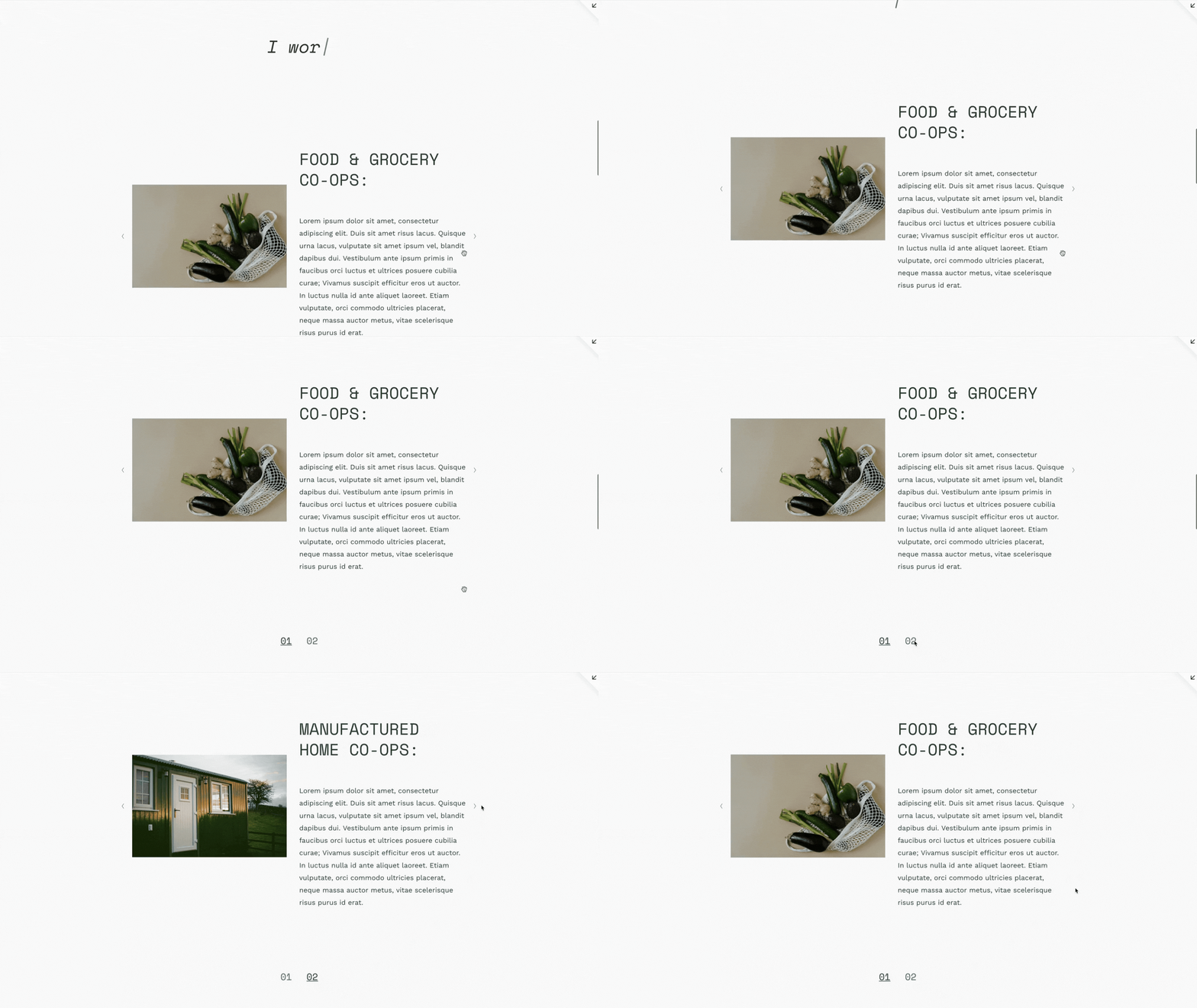
Demographic Slideshow with Numbers
Gallery Block + Custom CSS
The slideshow with numbers & caption designkeeps the aesthetic of the page simple and direct, while making time on the site an interactive process for visitors as they are given the option to click through the needed information as it is presented to them. This section is a native Squarespace gallery block customized with CSS to allow for ease of updating post handoff.
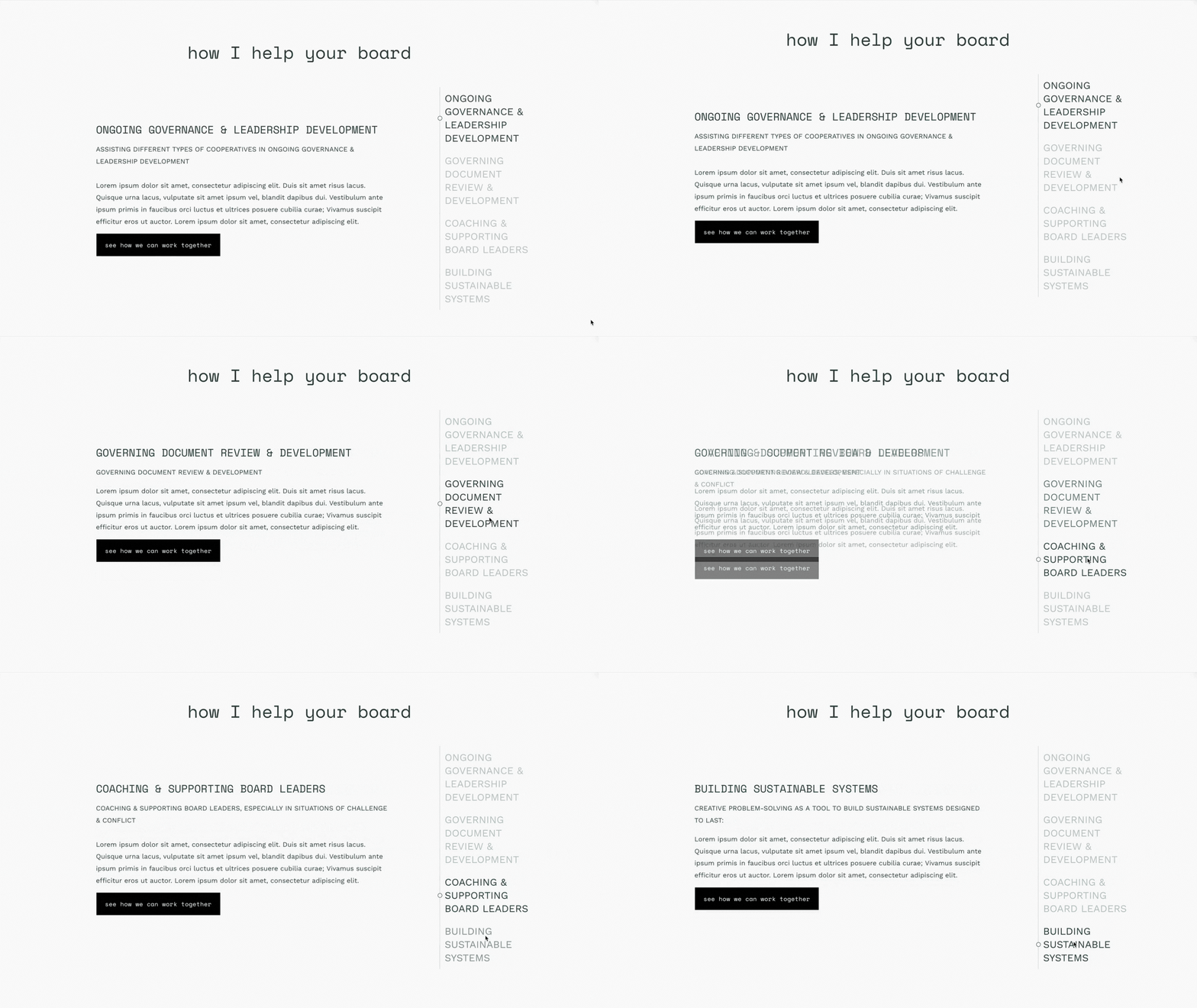
Experience & Services List Tabs
List Section + Custom CSS
Using custom CSS, we elevated design of the native Squarespace list section to create a section used again and again throughout the website. The repeated use helps to keep the aesthetic and interactive experience of the site cohesive throughout, so visitors know what to expect on any given page. The functionality of the side tabs allows visitors to interact with what is on the page without over-complicating the experience.
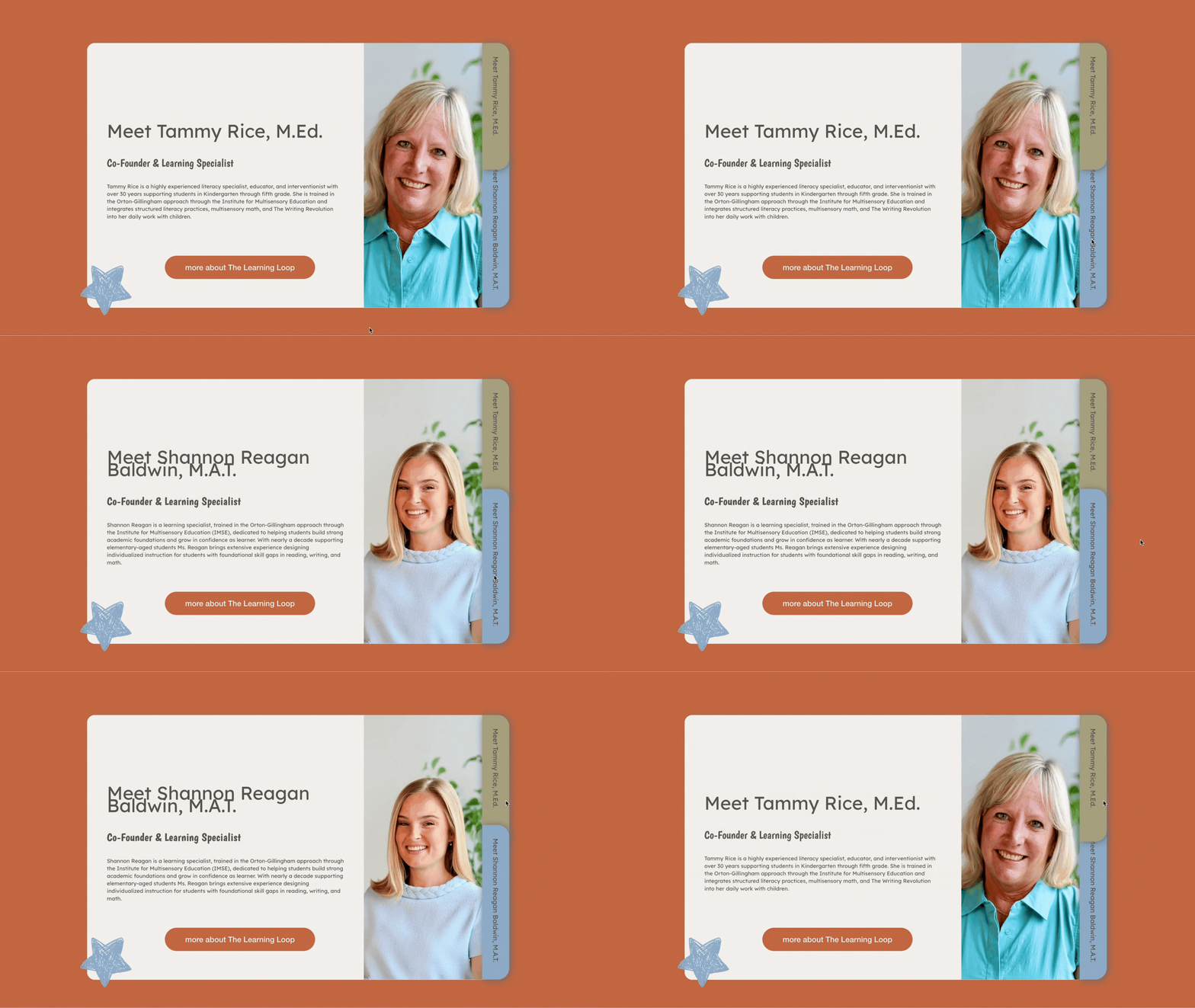
Team Summary Tabs
Summary Block + Custom CSS
Using Custom CSS and the native Squarespace summary block, we designed team summary tabs designed to look like folder tabs to go along with the playful, school supply design throughout the rest of The Learning Loop website.
The functionality has intuitive visual clues (shadows, a click mouse, etc.) to guide users through what actions they are supposed to take if they want to interact with the section, rather than continue scrolling.

Universal Filter Services Menu
Universal Filter Plugin + Custom CSS
With such a wide variety of offerings we decided to use the Universal Filter Plugin to installa menu where site visitors can choose to narrow down the service info available to them based demographic served or service desired.
This helped to provide an interactive way for site visitors to get to know The Learning Loop’s expertise & robust support options without excessive visual clutter or overwhelm.
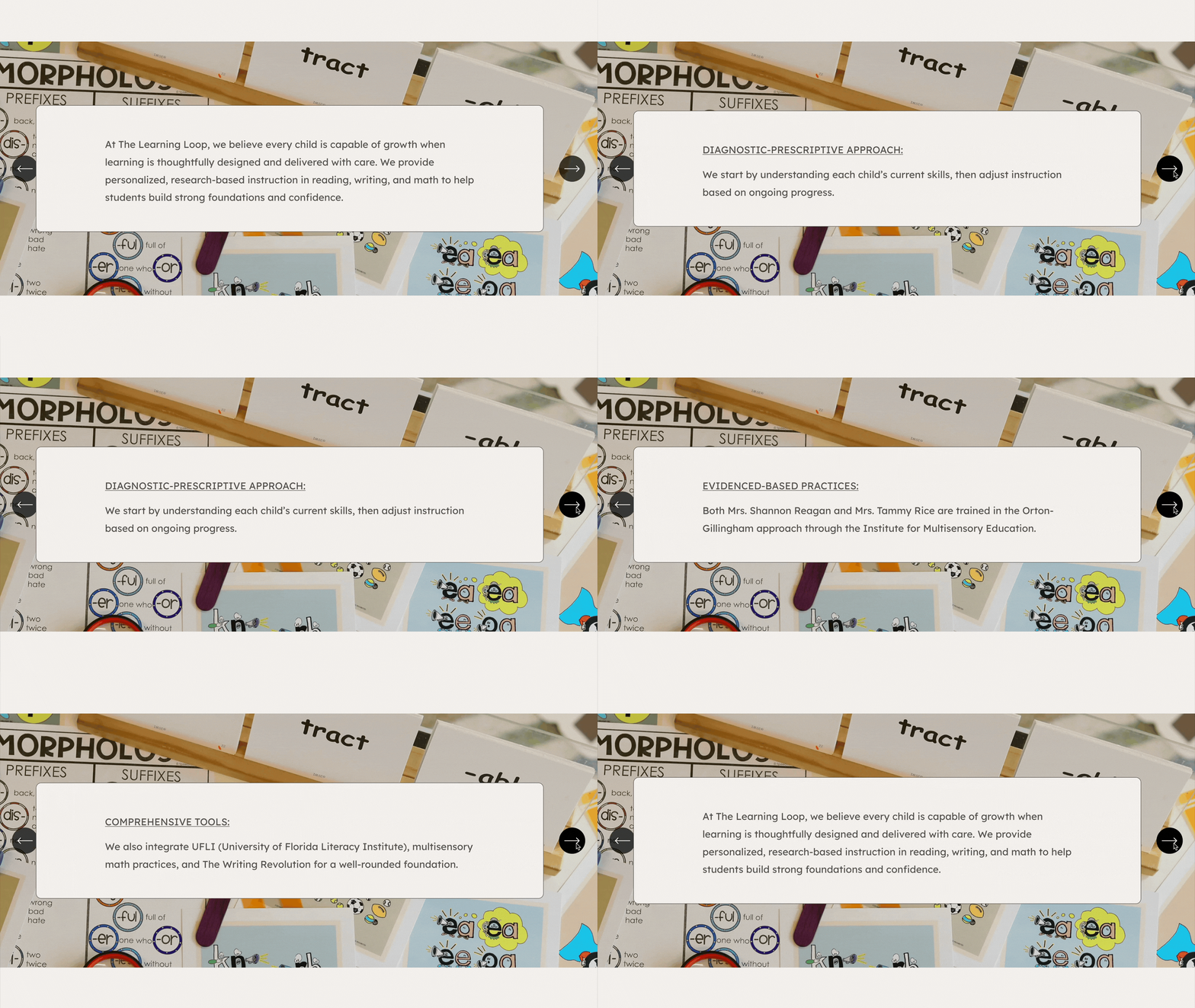
Interactive Approach Feature
Accordion Block
Having this section directly “below the fold” helps to immediately establish trust, credibility, and expertise, as well as shows what sets The Learning Loop apart. We’ve designed it as a “carousel” to encourage site users to be intentionally interactive with the Approach section, rather than having it as a section that is scanned and scrolled by.