featured projects
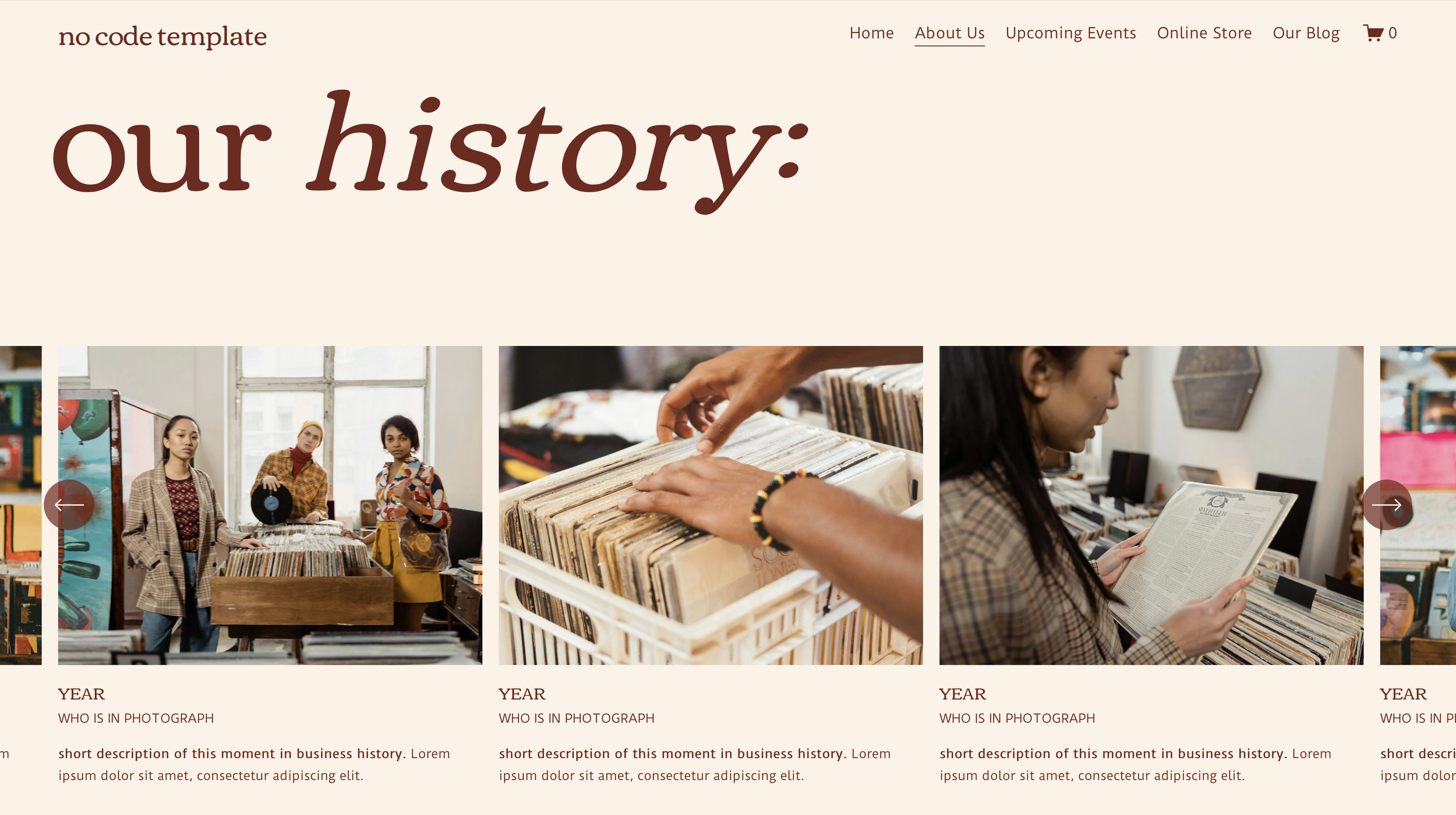
Native Carousel Sections
This template makes creative & strategic use of the native Squarespace Carousel on both the About page and the Events page. Both instances exist to illustrate the history and identity of the business through featured business milestones (on the About page) as well as showcasing past events.
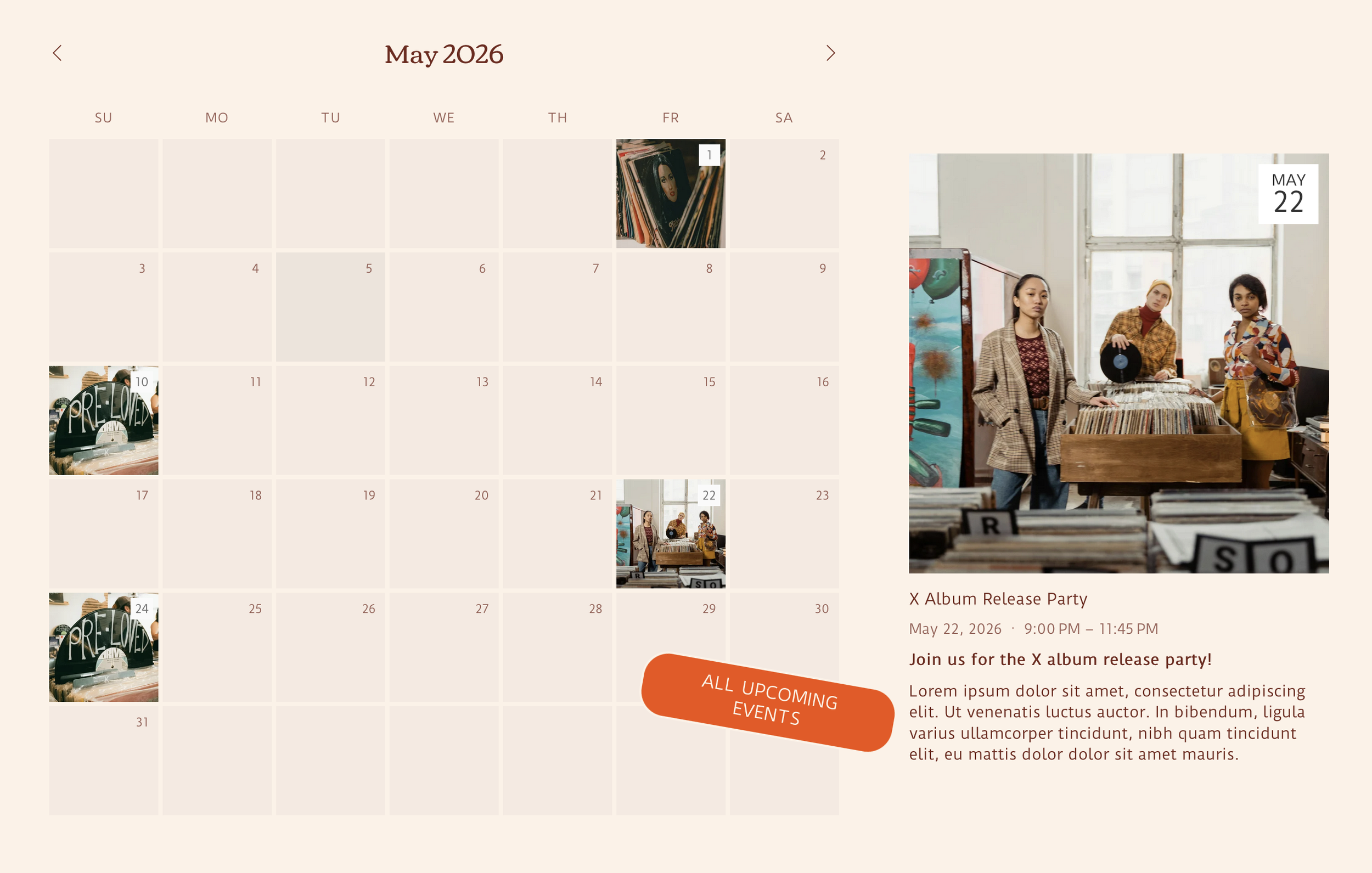
Calendar Block & Featured Events
This template makes use of the native Squarespace Events page, allowing for upcoming events to be shown on the homepage with a native Squarespace Calendar Block and featured events to be showcased via native Squarespace Summary Block right beside the calendar to help special events stand out!
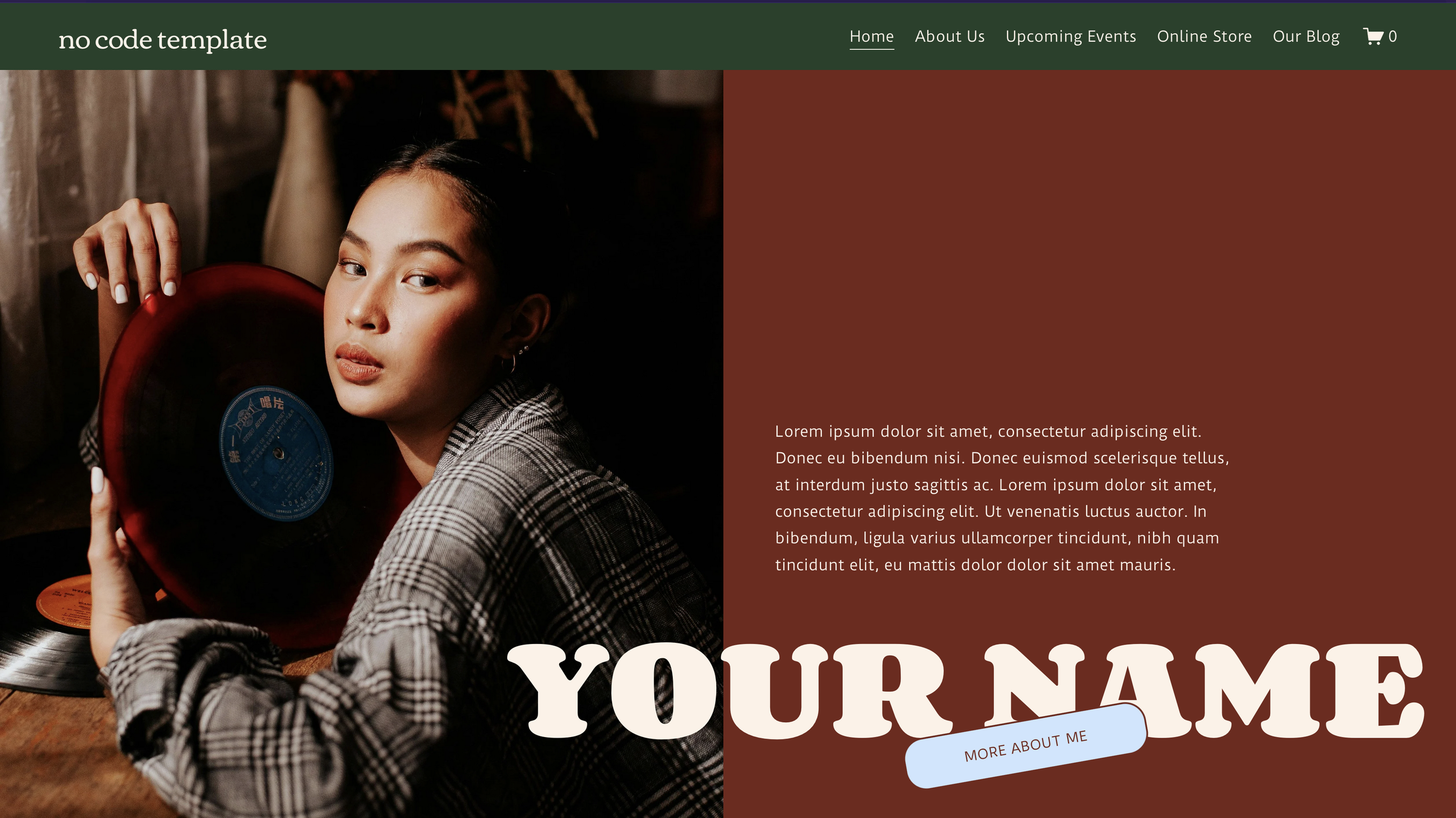
Native Squarespace Animations
Along with strategic use of native Squarespace blocks, this template utilizes new, advanced Squarespace features to give it the it the look and feel of a custom coded website, without actually adding in any custom code.
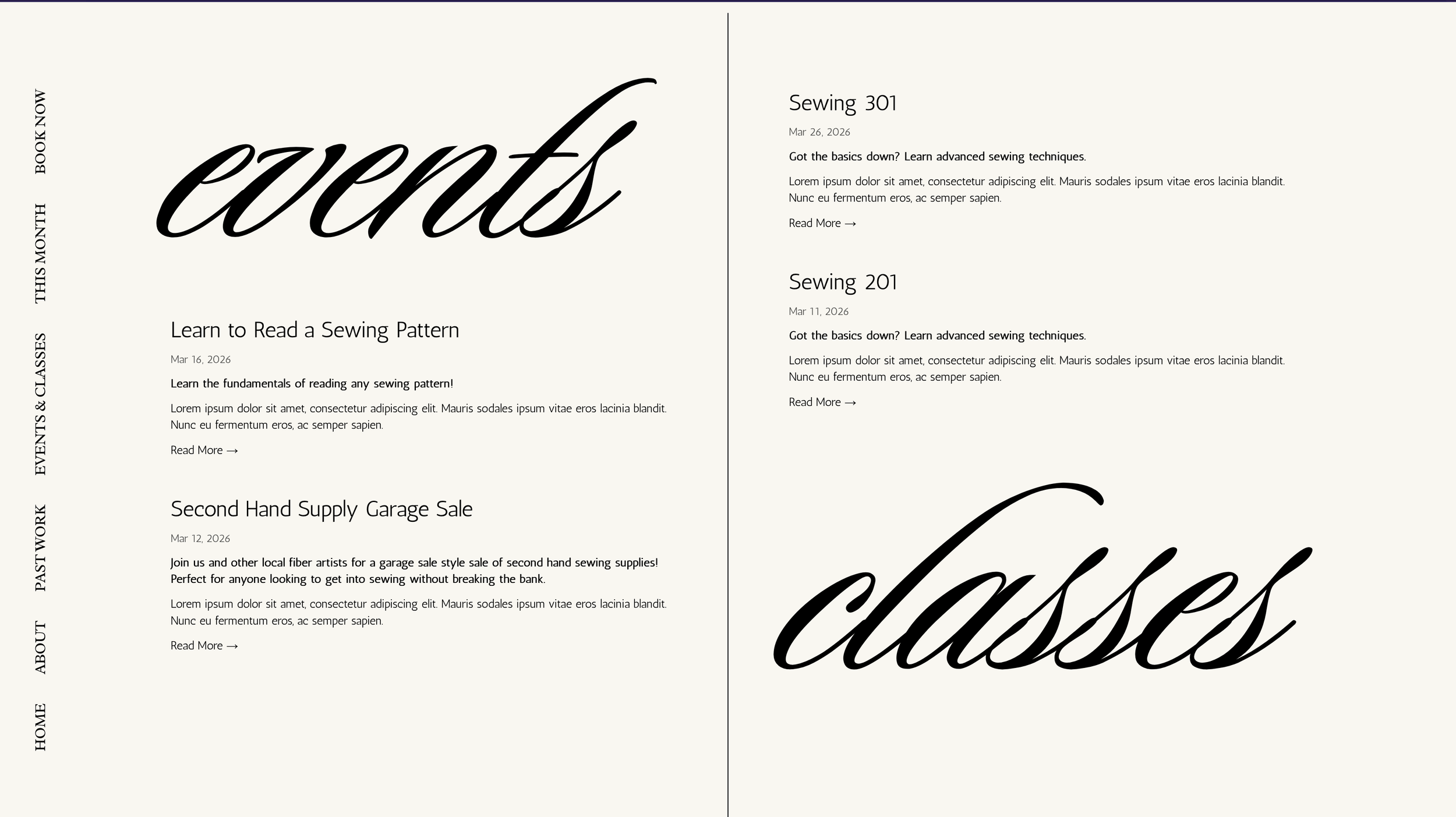
Events & Classes Summary Block
This template is set up with an unlinked “blog” page where the individual posts will function as events or classes for the Events & Classes summary blocks to pull from. Posts are tagged as either “events” or “classes” so they will be filtered into the correct column automatically without needing to edit the “home” page. Users can then click into the event for further info, or to register, without ever being taken to the hidden “blog” page.
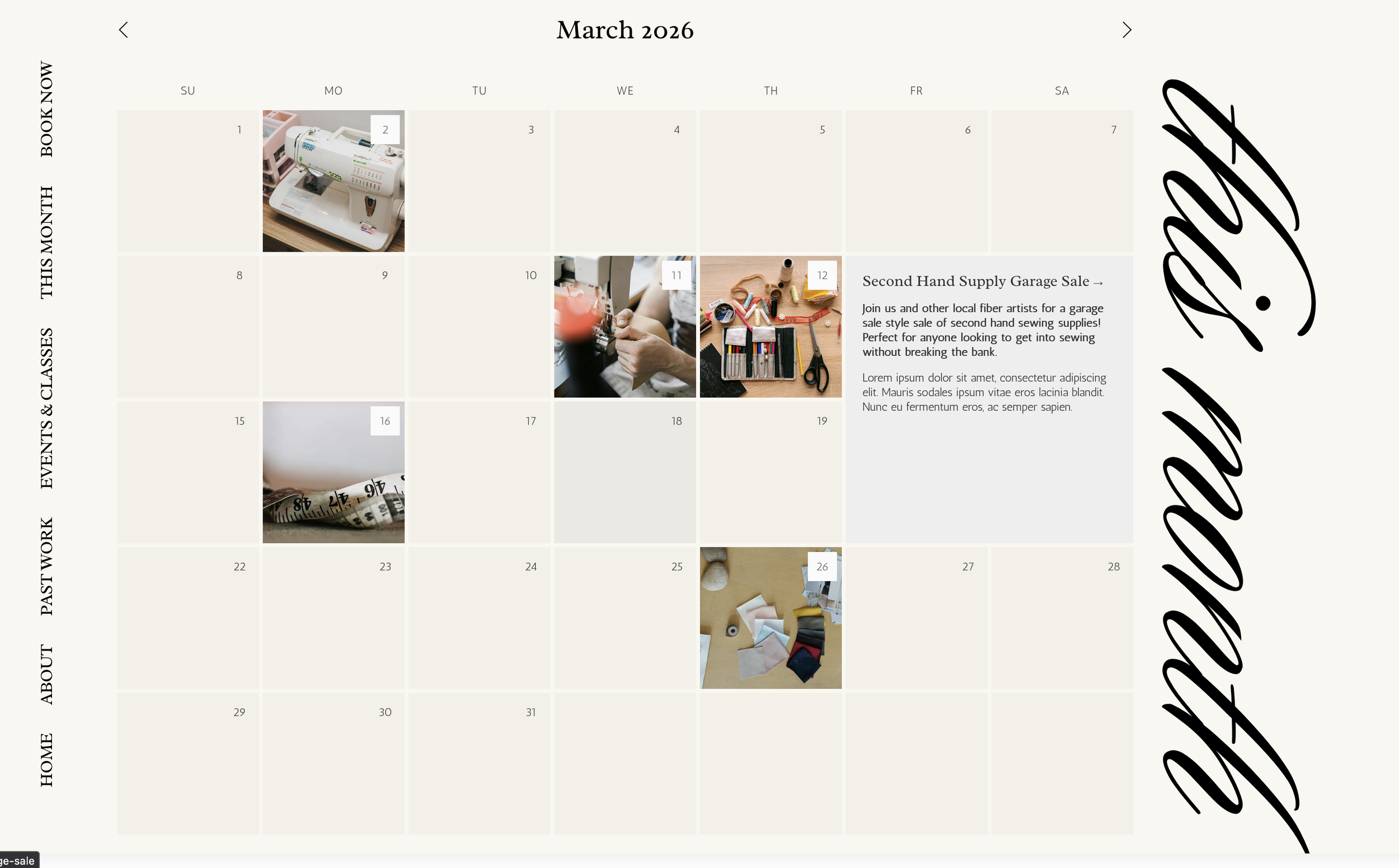
Calendar Block Ft. This Month’s Events
This template is set up with an unlinked “blog” page where the individual posts will function as events or classes for the calendar block to pull from. Based on when the “posts” (events or classes) are scheduled, they will show up on the calendar block, with the post excerpt as the event preview. Users can then click into the event for further info, or to register, without ever being taken to the hidden “blog” page.
Anchor Link Navigation
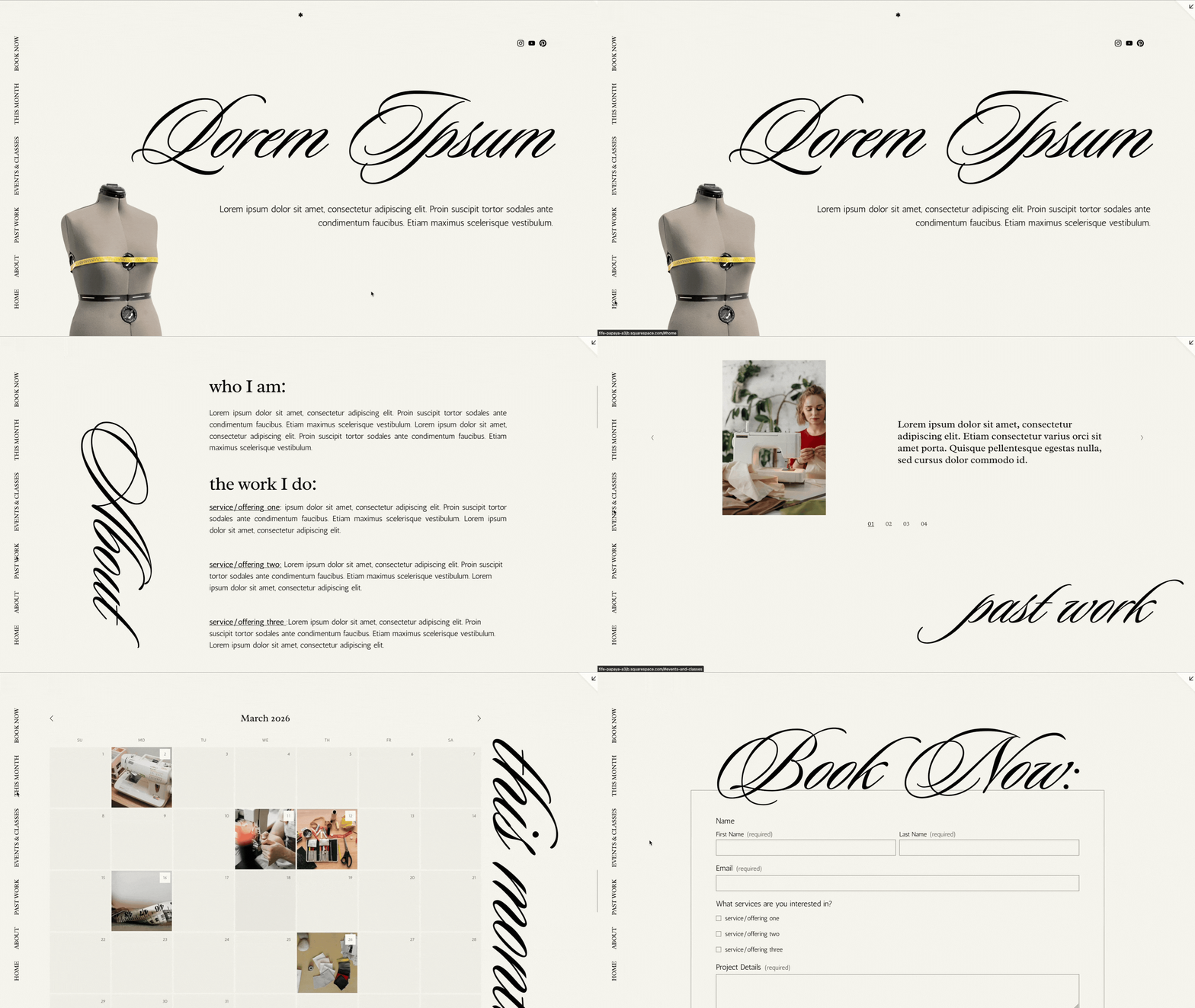
To give the illusion of a multi-page website, as well as allow for the same user interaction, we used the native Squarespace section anchor link feature to create a navigation bar with links to the different sections throughout the page, rather than different pages through the site.
With additional custom CSS, we also moved the header navigation from the top to the side to give it a sleek, custom look.
Featured Trainings
Native Featured Post Function
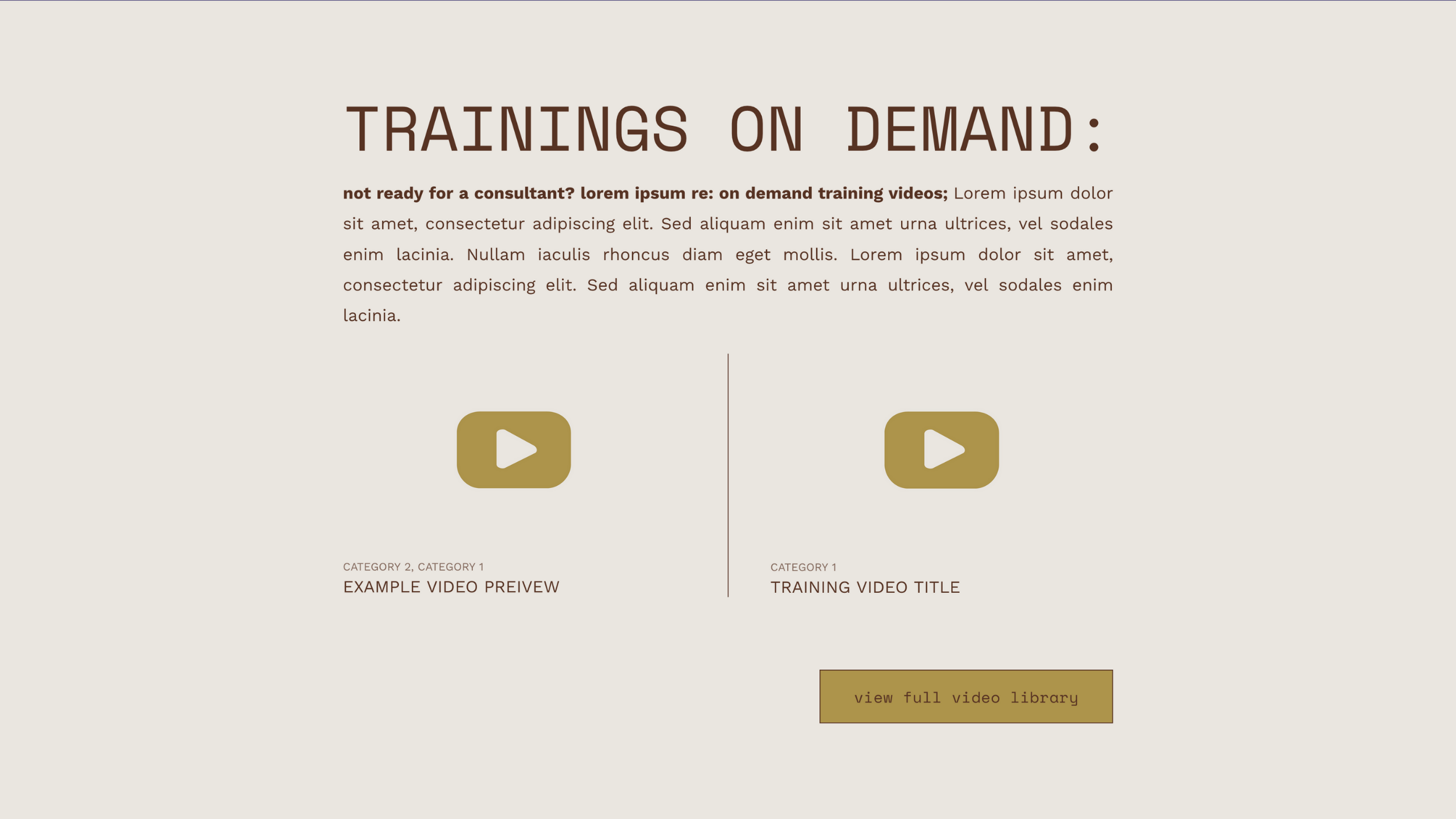
For Molly Snell Larch Consulting and the Molly template, making use of the “featured post” function on the video library allowed us to design the a spot on other pages where relevant without requiring constant reworking when new videos are added.
Featured Resources
Native Featured Post Function
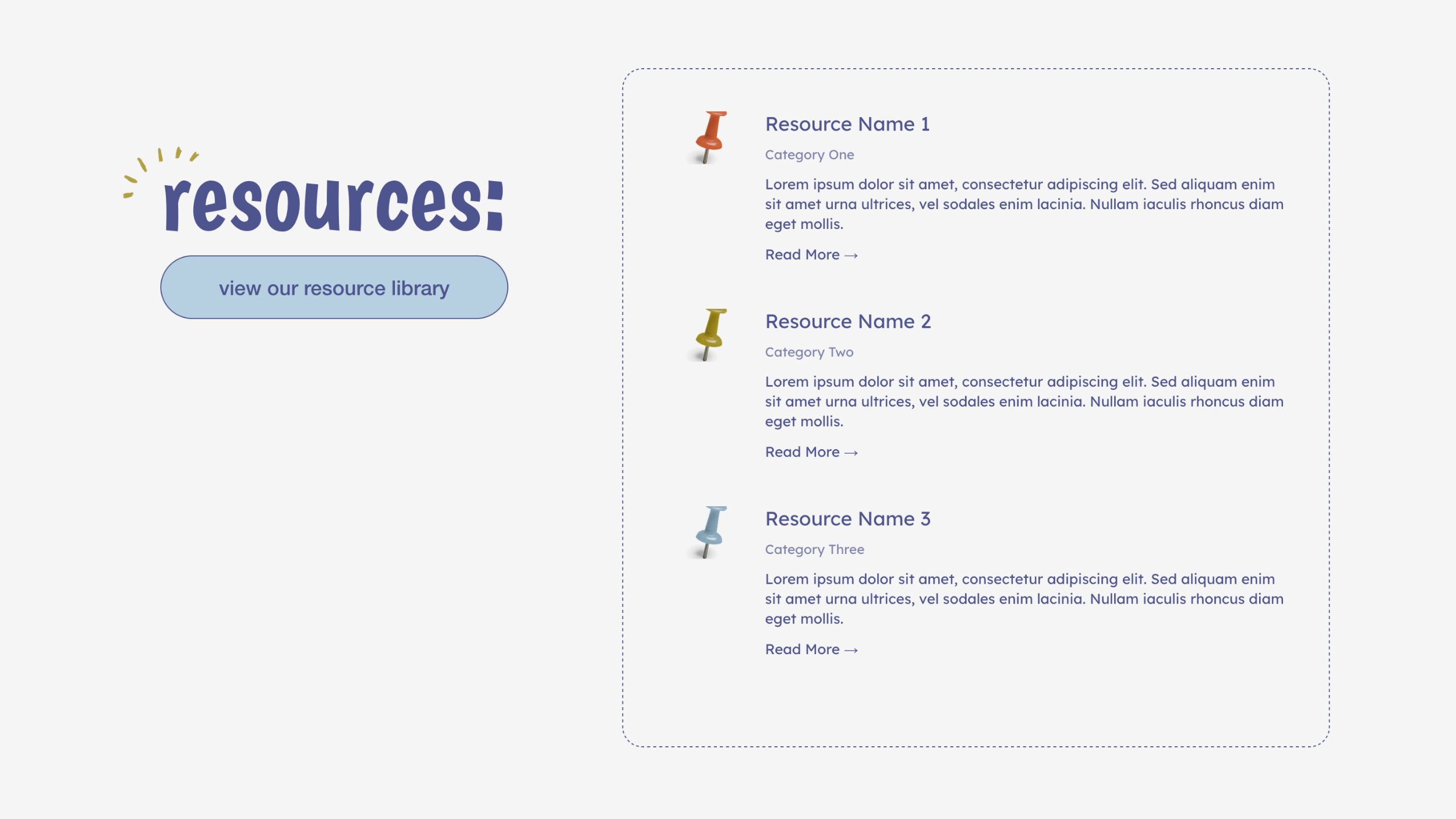
For The Learning Loop, and the Shannon template, making use of the “featured post” function on the resource library (a blog page) allowed us to design a featured resources section on the home page without requiring constant reworking when new resources are added. By filtering them to “featured only” the owner of the website can add new resources to the resource library, mark them as featured, and have them show up on the featured resources section of the home page without having to worry about altering the design.
Additional Product Info: Featured Posts Summary
product page: additional info function
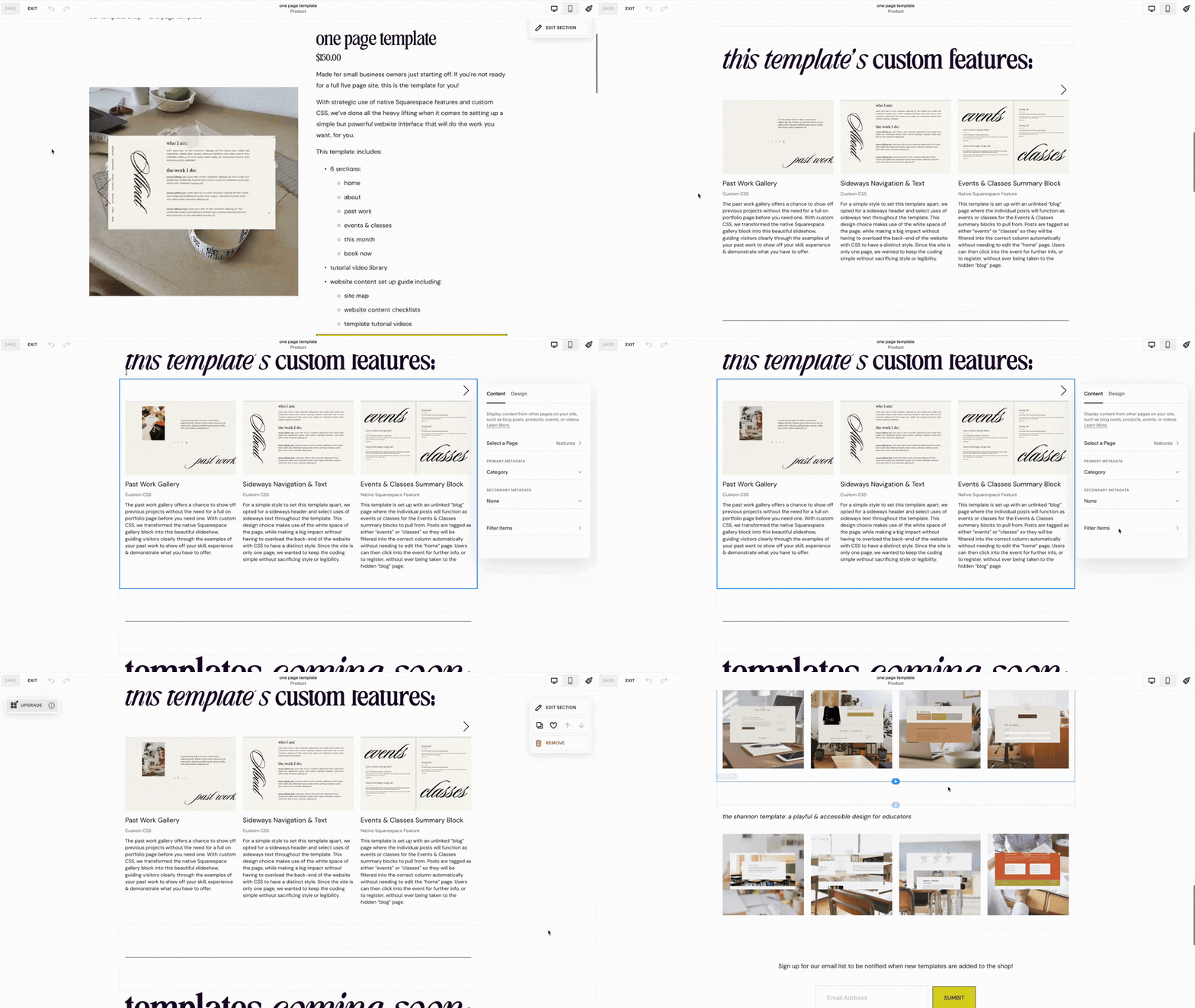
While the provided prompts for products are a bit limited, you can expand your product page to include anything you want with the classic builder under the “additional info” section while editing your product. For our templates, we used it as a place to add summary blocks linked to our features page, to showcase the custom features that correspond with each template, since we’ve already featured them on our site in detail.
Linking to Sections in the Same Page
Native Section Linking Function
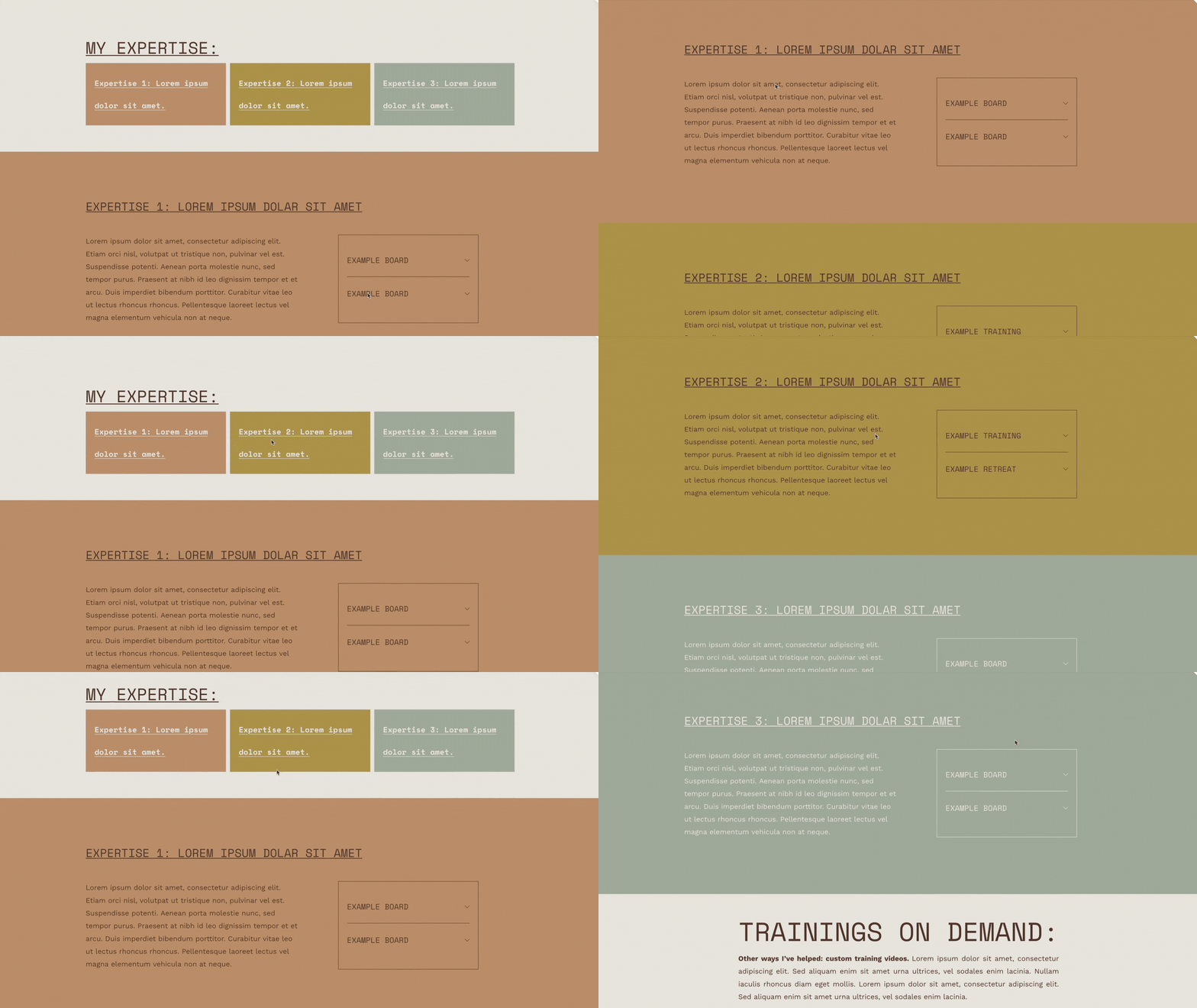
For Molly Snell Larch Consulting and the Molly template, we made use of the native section linking function to link each expertise overview section to a more in-depth section covering that particular expertise. This allows site visitors to skip ahead to what is relevant to them, as well as helps to maintain the interactive feel we wanted throughout the site.

Making Use of Tags & Categories
native tagging & categorizing feature
This tagging system allows us to:
feature relevant posts on portfolio pages
feature relevant posts on product pages
This categorization system allows us to
label & organize posts on features page by technique used
have clear meta data that labels key/custom features by technique used
Interactive Approach Feature
Accordion Block
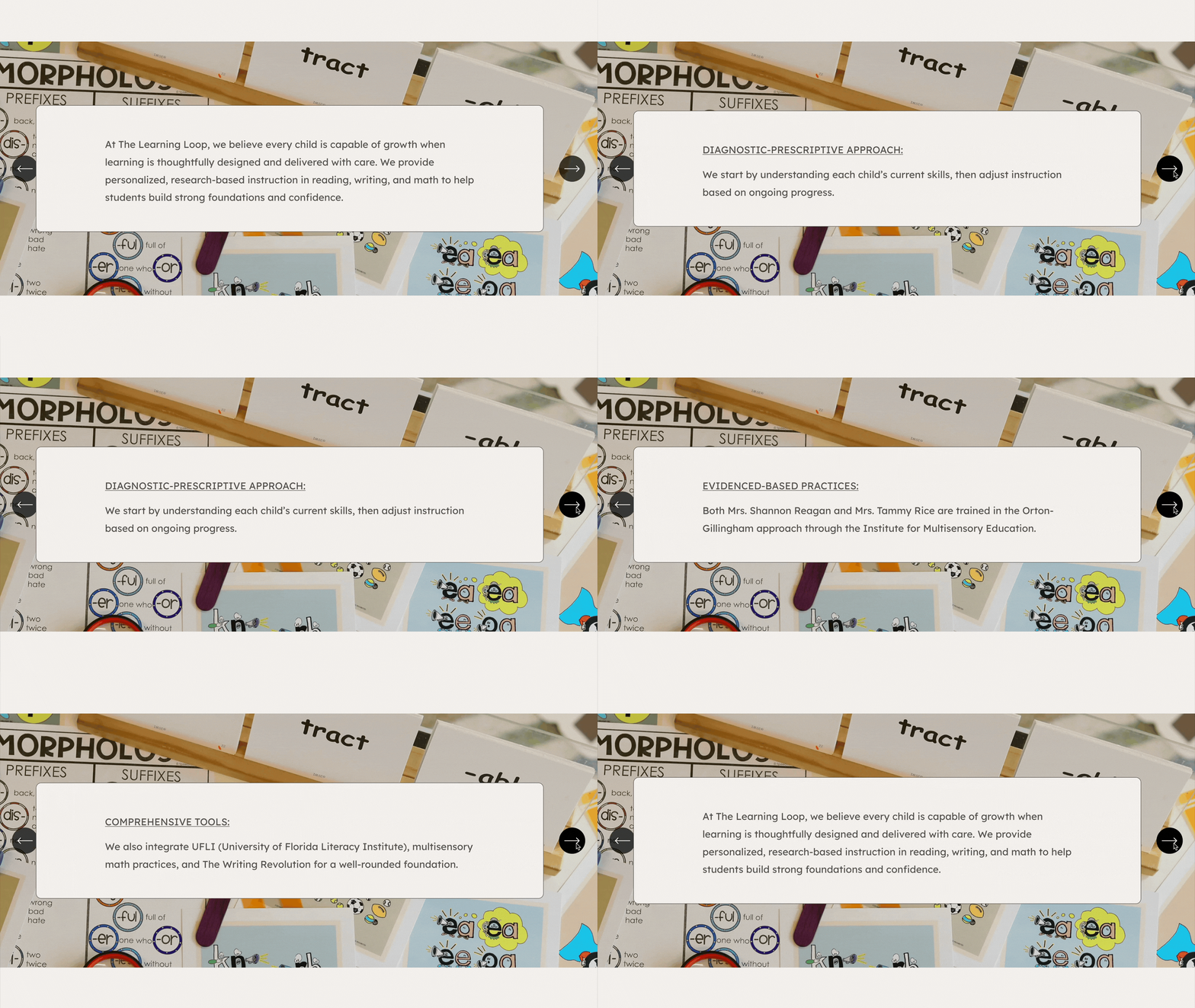
Having this section directly “below the fold” helps to immediately establish trust, credibility, and expertise, as well as shows what sets The Learning Loop apart. We’ve designed it as a “carousel” to encourage site users to be intentionally interactive with the Approach section, rather than having it as a section that is scanned and scrolled by.