
Adding a Button to You Squarespace Menu
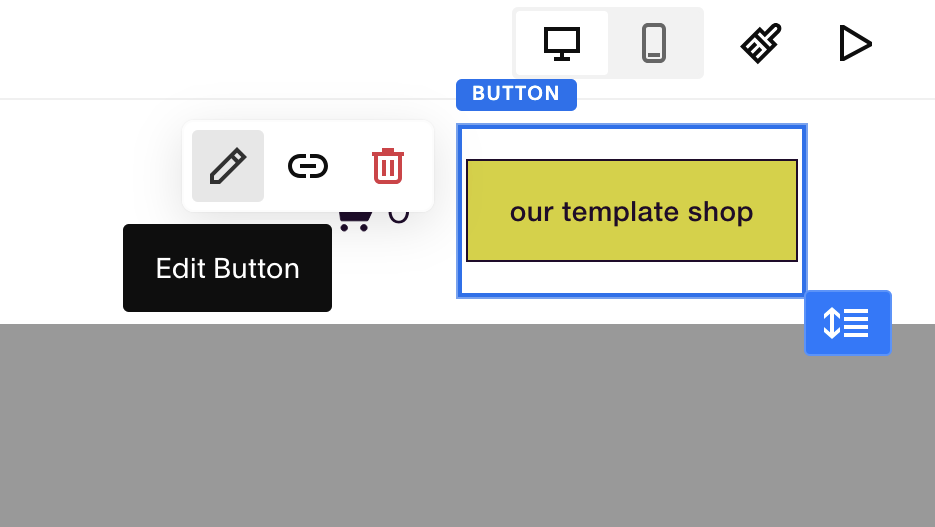
Today we're going to show you how to add a button to your site navigation menu, like this button right here:

This can be done in just a few simple steps. What you're going to do is you're going to navigate to the Pages section of your dashboard, click the “EDIT” button of your page and hover over the header until you see this “EDIT SITE HEADER” button:

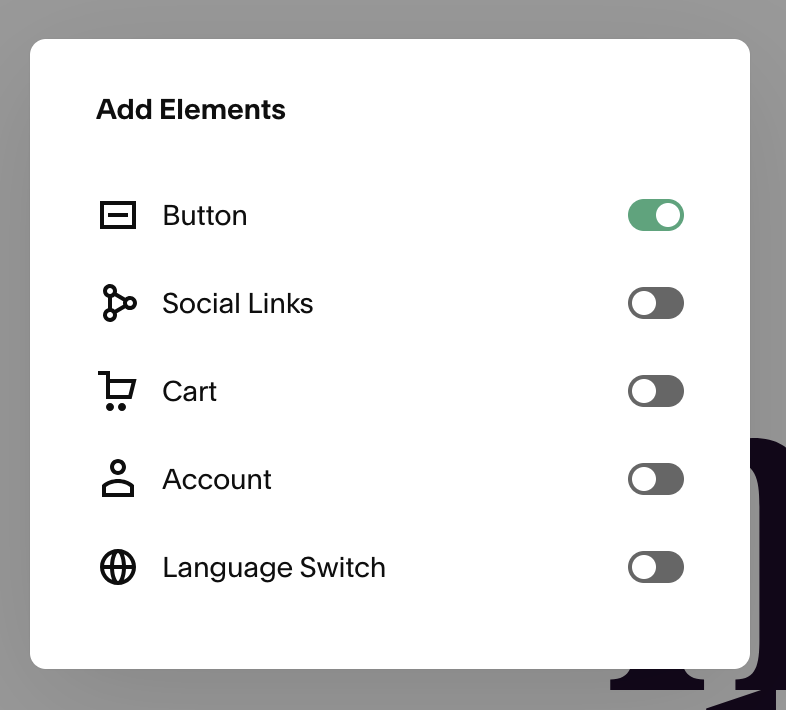
Once you’ve clicked that, and rather than hitting the “EDIT DESIGN” button, you're going to click the “ADD ELEMENTS” button, and then you'll see you can toggle on the “Button” feature:

Once that’s toggled on, you can click the “Edit Button” pencil, and you can change the button text and link and you're all set!